
VCV Rack plugin Free
RackNES.
An NES in your patch.
A voltage-controlled NES emulator for VCV Rack. Send gates to the controllers, change the execution rate, and save or recall the running machine.
Get it in VCV Rack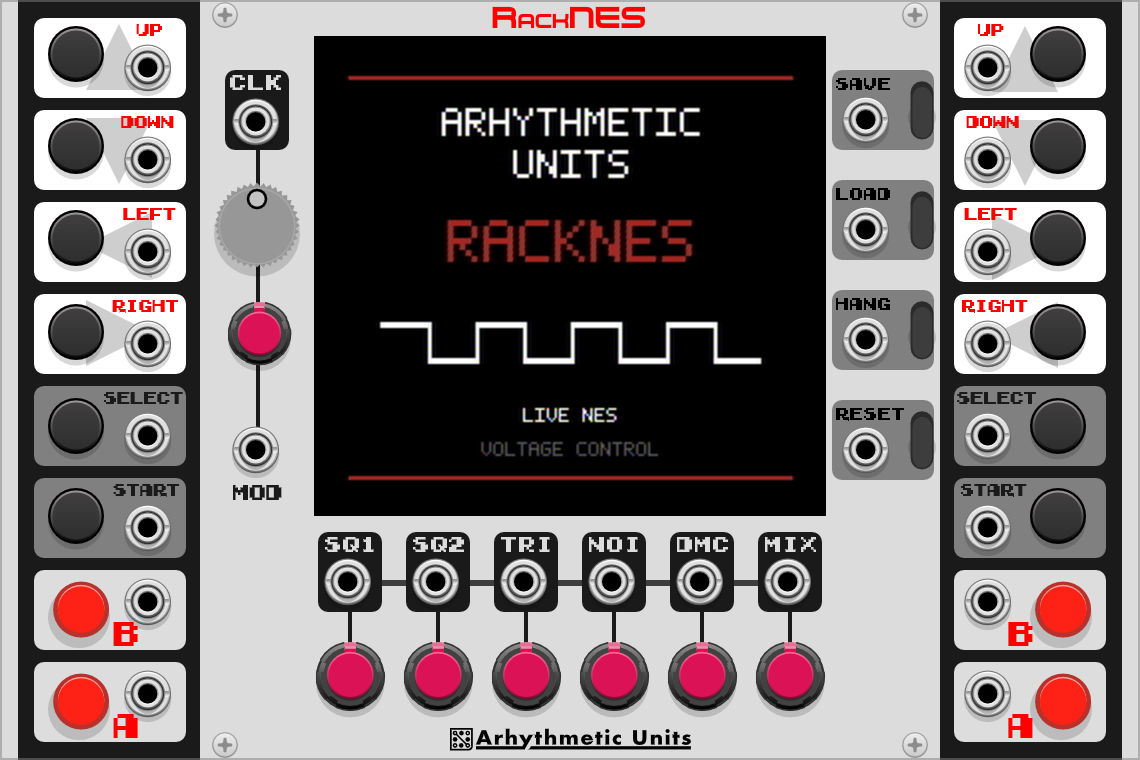
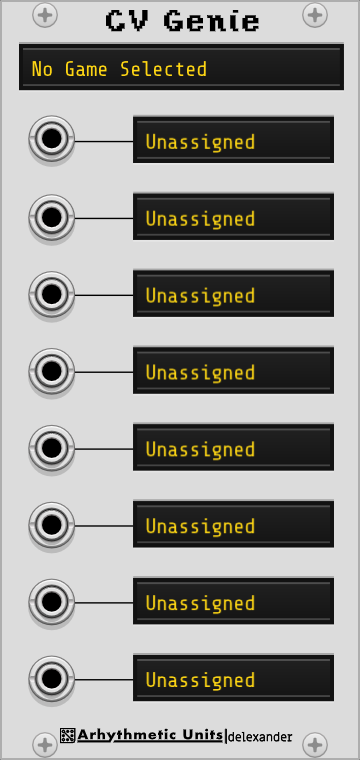
Captures from the current manuals. Panel styling and supported game maps may differ from your installed Library version.
- Individual NES voices
- 05
- Gate-controlled players
- 02
- For VCV Rack
- Free
The program is the instrument
Control a running console.
RackNES runs the console’s program, graphics, and audio together. Controller gates change what happens in the game; execution-rate CV changes how quickly the whole machine advances. Saving a state lets you return to a particular moment from within your patch.
The two pulse voices, triangle, noise, and sample channel each have their own output for separate processing. CV Genie adds control over mapped variables in supported games, such as a player’s position or a sound driver’s song position.
Controllers and timing.
Use gates to press controller buttons and CV to change how quickly the emulator runs.
Save and recall.
Capture a machine state, then trigger its recall from a sequence or another event in your patch.
CV Genie.
Control mapped variables in supported games through an expander with eight CV inputs.
An idea to patch
Sequence a saved state.
A saved machine state becomes a starting point for new variations. You are recalling the running console, not looping a recording.
Reach a sound.
Load a compatible ROM and use the controller buttons to find a musical phrase or sound effect. Connect MIX to your audio chain.
Capture the machine.
Press SAVE. Patch a slow trigger sequence to LOAD to revisit that single saved state at a rhythm of your choosing.
Separate the voices.
Patch NOI into its own delay or filter. Connecting an individual output removes that voice from MIX, so the rest of the soundtrack can follow a different path.
Behind the instrument
When does a running game become an instrument?
RackNES: A Voltage-Controlled NES Emulator as a Musical Instrument
A look inside a console emulator embedded in an audio-processing loop. The report follows three ways into the machine—gameplay, execution, and memory—and examines timing, audio routing, and the difference between recalling a state and replaying a sound.
Resources
Manuals and source.
Documentation and source code for the plugin.